
Smart Air Purifier App Control: Benefits Explained
Table of Contents
- What Smart Air Purifier App Control Actually Does
- Indoor Air Quality Monitoring in Real Time
- Air Purifier Filter Replacement Alerts and Tracking
- Smart Air Purifier Auto Mode Efficiency and Automation
- Remote Operation and Control from Anywhere
- Voice Assistant Integration and Smart Home Connectivity
- Privacy, Security, and Long-Term Cost Considerations
- Frequently Asked Questions
Last Updated: September 22, 2026
What Smart Air Purifier App Control Actually Does
Smart air purifier app control lets you monitor, adjust, and troubleshoot your purifier remotely through your smartphone via Wi-Fi connectivity to a cloud-based platform that stores air quality data and automation preferences.
Download the app, connect your purifier during setup, and gain instant access to controls and monitoring. The app provides visual confirmation of performance, critical if you’re managing allergies, pet dander, or respiratory sensitivities. Consistent data tracking helps identify specific triggers in your home environment, providing a foundation for effectively managing pet allergies through a combination of air quality control and lifestyle adjustments.
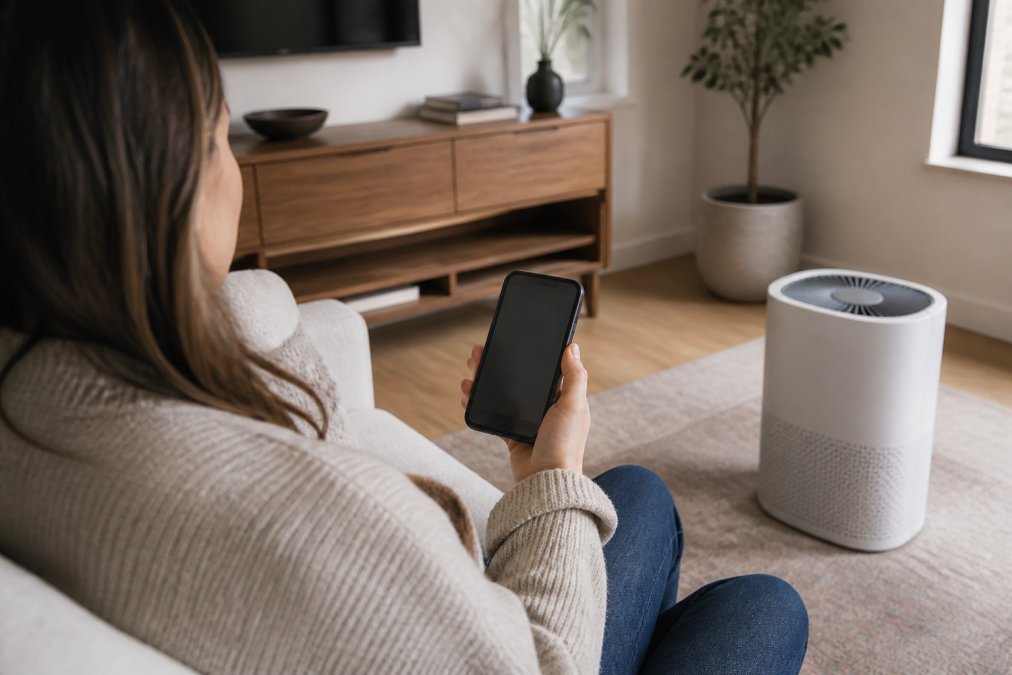
Aero Essence LLC’s SR100 handles nine pollutant types including dust mites, pet dander, pollen, mold spores, and smoke. The app lets you track exactly what’s being filtered, solving the problem of not knowing whether your investment is actually working.
The app doesn’t just control your purifier, it creates accountability. You can see filter usage patterns, identify which rooms need more air circulation, and adjust settings based on actual air quality data rather than guesswork.
Indoor Air Quality Monitoring in Real Time
Real-time air quality monitoring justifies the “smart” in smart air purifier app control. The app displays continuous PM2.5 readings (particles 2.5 micrometers or smaller), the pollutant category most directly linked to respiratory and cardiovascular health impacts.
Real-time readings provide reassurance your purifier is working. Graph-based historical data helps identify patterns, for example, air quality dips during peak pollen hours or improves within 30 minutes of activation.
This transparency changes how users manage air quality. Instead of guessing, they check the app and make informed decisions. For parents managing children’s asthma or individuals with COPD, real-time feedback becomes a tool for symptom management.
Quality sensors measure multiple pollutant types, PM2.5, volatile organic compounds (VOCs), and other airborne irritants, aggregated into an easy-to-read air quality index (AQI) score.
Air Purifier Filter Replacement Alerts and Tracking
Filter tracking through your app eliminates maintenance guesswork. The app monitors usage patterns and sends alerts when replacement is approaching, preventing degraded performance from saturated filters.
Most smart purifiers track filter hours or saturation percentage and send notifications when replacement is approaching.
Filter tracking lets you forecast annual maintenance expenses. A filter lasting six months versus three months represents significant savings over a year.
Ignoring filter replacement alerts leads to reduced airflow and diminished pollutant capture. A clogged filter forces the device to work harder, consuming more energy while delivering less purification.
Smart Air Purifier Auto Mode Efficiency and Automation
Auto mode adjusts fan speed based on real-time air quality readings. When air quality is good, the purifier runs at lower speed, consuming less energy. When pollutant levels rise, it automatically increases speed.
Auto mode delivers energy efficiency without manual adjustment. For households with pets or wildfire smoke exposure, it keeps the device responsive to actual conditions.
The app lets you configure automation triggers, scheduled activation or automatic triggering at air quality thresholds. Some systems integrate with voice assistants for hands-free control.
Energy consumption tracking shows whether continuous operation is justified by your air quality conditions, or if scheduled operation would suffice.
Remote Operation and Control from Anywhere
Remote control lets you adjust your purifier from anywhere. Activate it before arriving home so it’s been running 30 minutes, or power it down if you forgot to turn it off.
Wi-Fi connectivity and cloud-based control enable instantaneous commands from anywhere. For multiple purifiers, you can control each independently or group them for synchronized operation.
How Remote Access Actually Works
Your purifier connects to home Wi-Fi and communicates with the manufacturer’s cloud servers, which relay commands from your app. The cloud acts as an intermediary, enabling control from anywhere with internet connectivity.
Remote control requires three things: your purifier’s active Wi-Fi connection, operational home internet, and running cloud servers. If any link breaks, remote access fails.
Common Connectivity Issues and Solutions
The most frequent Wi-Fi issue involves band compatibility. Most smart purifiers operate on 2.4GHz, which offers better range than 5GHz but is more congested. If your router broadcasts both bands, your purifier may struggle if your phone selects 5GHz during setup.
Solution: During pairing, manually connect your smartphone to your router’s 2.4GHz network (often labeled with a “2.4” or “-2G” suffix in your Wi-Fi list).
Remote Troubleshooting Capabilities
If your purifier shows “Offline” in the app but the device itself appears to be running normally, the issue is Wi-Fi connectivity, not the purifier itself. Check your home internet connection first, if your Wi-Fi is down, the purifier cannot communicate with the cloud regardless of its internal status.
For users less comfortable with technology, connectivity issues represent the most frustrating aspect of smart purifiers. The device works fine locally (you can still use manual buttons), but the app becomes useless. Understanding these common failure points and their solutions prevents the perception that the smart features are unreliable when the actual issue is a straightforward Wi-Fi configuration problem.
Voice Assistant Integration and Smart Home Connectivity
Voice assistant integration lets you control your purifier through Alexa, Google Assistant, or Siri with commands like “Alexa, turn on the air purifier.”
Smart home integration transforms your purifier from an isolated device into a coordinated part of your home’s environmental management system. It responds to conditions detected by other sensors and works alongside other smart devices.
Privacy, Security, and Long-Term Cost Considerations
Smart purifiers collect continuous air quality data sent to manufacturer cloud servers. Understand what data is collected, how it’s used, and how it’s protected before connecting your device.
Breaking Down the True Cost of Smart Features
A smart purifier typically has a higher upfront cost than a basic model.
Scenario 1: Heavy Use (Justified Investment)
Household profile: Family with pets, one member with asthma, seasonal wildfire smoke.
Cost difference: $200 ($500 smart vs. $300 basic)
Smart feature value:
- Filter optimization: Auto mode extends filter life 20-30%, saving $60-$120 over 5 years.
- Energy efficiency: Auto mode reduces consumption 15-25%, saving $180-$480 over 5 years.
- Filter alerts: Prevent degraded performance during high-pollen periods, maintaining consistent air quality for asthma management.
- Remote activation: Reduces pre-arrival exposure to unfiltered air.
Scenario 2: Light Use (Marginal or Negative ROI)
Household profile: Single person or couple, no pets, no respiratory conditions, located in an area with good baseline air quality.
Smart feature value:
- Filter optimization: Running the purifier only 4 hours daily (morning and evening), a basic model’s filter lasts 12 months. A smart purifier with auto mode might extend this to 14 months, a savings of one filter ($60) over 5 years. Minimal impact.
- Energy efficiency: Lower baseline usage means the 15-25% energy savings amounts to only $3-$5 monthly, or $180-$300 over 5 years.
- Remote control: Rarely used. The purifier runs on a fixed schedule; there’s no need to activate it remotely or adjust settings based on air quality data.
- Data transparency: Nice-to-have but not essential. Air quality is consistently good, so monitoring provides little actionable information.
5-year total savings: $60-$300 (filter optimization + energy efficiency)
Making the Decision
The smart purifier premium is justified when:
- You have pets generating continuous dander
- Household members have allergies, asthma, or other respiratory conditions
- You live in an area with seasonal or year-round air quality challenges (wildfire smoke, high pollen counts, industrial pollution)
- You run your purifier 6+ hours daily
- You value real-time air quality data and want to optimize filter replacement timing
The smart purifier premium is harder to justify when:
- You live alone or with one other person
- No household members have respiratory conditions
- Your baseline air quality is good
- You plan to run the purifier only 2-4 hours daily
- You’re comfortable replacing filters on a fixed schedule without tracking
Don’t assume that smart features automatically save money. Calculate your actual usage pattern and filter replacement frequency. A household running a purifier 2 hours daily will see minimal energy savings and filter life extension, making the smart premium a poor investment.
Data Privacy Specifics
When evaluating privacy, check whether the manufacturer:
- Encrypts data in transit (between device and cloud servers) using HTTPS or similar protocols
- Allows account deletion and specifies how long historical data is retained after deletion
- Shares data with third parties (some manufacturers sell anonymized air quality data to research organizations or advertisers)
- Operates servers domestically or internationally (this affects which privacy laws apply)
For households managing sensitive health conditions, data minimization may outweigh the convenience of remote control.
Frequently Asked Questions
What are the primary benefits of connecting an air purifier to a smartphone app?
A smartphone app for your smart air purifier gives you three main advantages: real-time visibility into indoor air quality data (PM2.5 levels, AQI readings), automated filter replacement alerts so you never miss maintenance, and remote operation from anywhere in your home or when away. You can adjust fan speed, activate auto mode, and receive notifications about air quality spikes, all without walking to the device. This means you stay informed about what’s happening in your home’s air and can respond immediately to changes.
Can smart air purifiers help track indoor air quality trends over time?
Yes. Most smart air purifiers with app control store historical air quality data in the cloud, allowing you to view trends over days, weeks, and months. This visualization helps you identify patterns, like when pollen counts spike, when pet dander builds up, or how smoke events affect your home. Tracking these trends is especially valuable for people with asthma, allergies, or respiratory sensitivities because it shows whether your purifier is actually reducing pollutants over time and helps you understand your home’s air quality behavior.
Do smart air purifiers provide real-time alerts for filter replacements?
Yes. Smart air purifiers with app control send mobile notifications when filter life is running low, based on actual usage and air quality conditions. Instead of guessing when to replace filters, you get a precise alert, often with a countdown showing remaining filter lifespan. This prevents you from accidentally running a clogged filter, which reduces purification performance.
Should I leave my air purifier on auto mode?
Auto mode is ideal for most households. In auto mode, the purifier adjusts fan speed based on real-time air quality readings, running at full speed when PM2.5 levels spike (like during wildfire smoke or pet activity) and dropping to low speed when air is clean. This approach balances purification performance with energy efficiency and noise levels. The app lets you monitor auto mode activity and override it manually if needed, giving you flexibility while reducing the burden of manual adjustments.